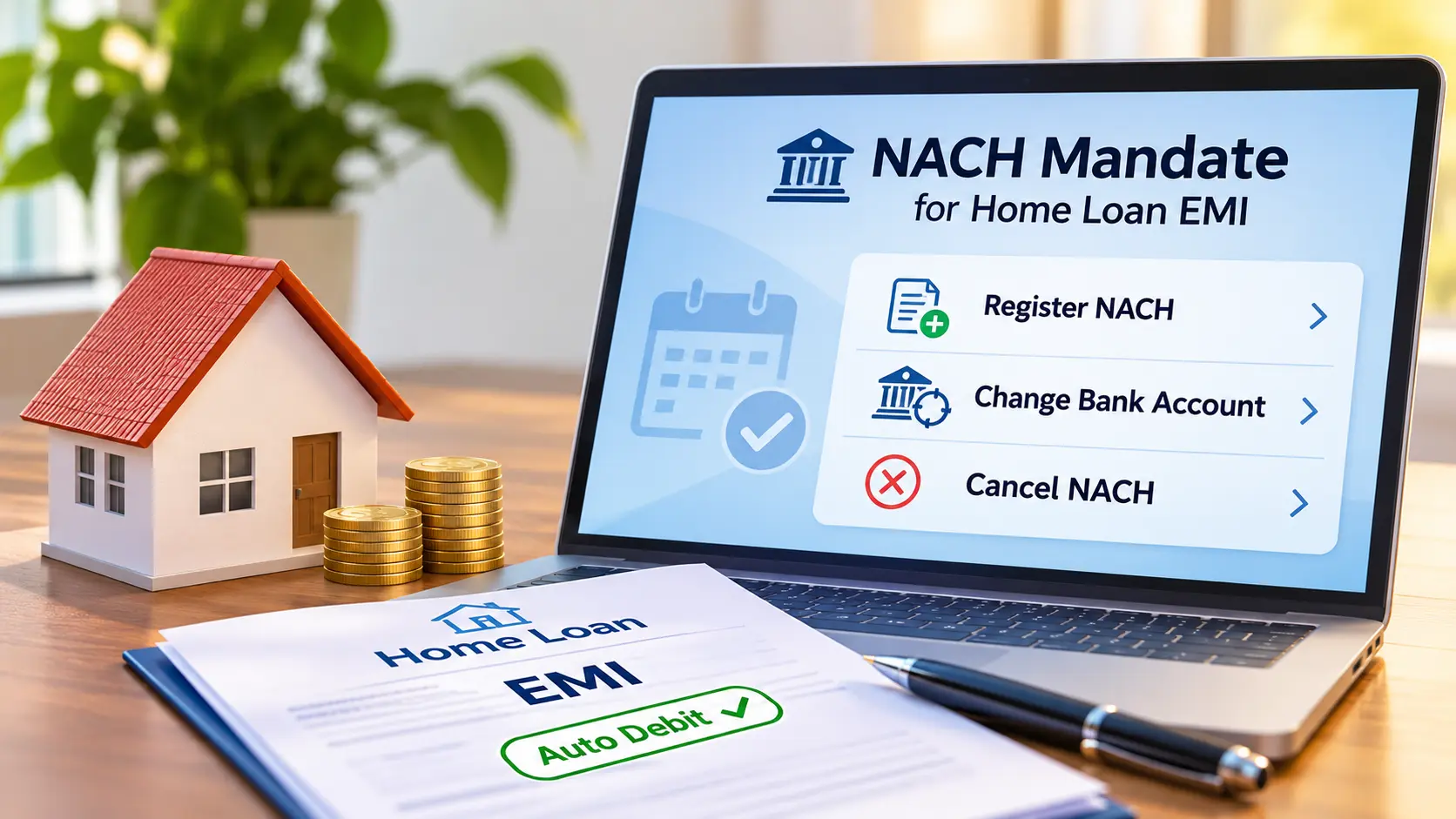
NACH mandate for home loan EMI registration, bank account change and cancellation

NACH Mandate for Home Loan EMI: How to Register, Change Bank Account or Cancel It

BASIC TEAM

Last Updated on 2026-11-01


What Is a NACH Mandate for Home Loan?

Well, a NACH mandate for a home loan can be considered as your consent in writing, given only once, that allows your bank to directly deduct your monthly EMI from your account automatically. The full form of NACH is the National Automated Clearing House. It is regulated by NPCI and covers almost all Indian banks within one network. Once you give this consent, you don’t have to worry about transferring the amount manually.

What Is e-NACH and How Is It Different from ECS?

A lot of people use these terms loosely, so let us clear this up. ECS, or Electronic Clearing Service, was the older system. It involved paper forms, physical verification, and a slower turnaround, often close to a month.

e-NACH replaced most of that. It is the digital version, where you authorise the mandate online using net banking, a debit card, or Aadhaar based verification. No paperwork, no branch visit. Your authorisation gets verified almost instantly, and you receive a Unique Mandate Registration Number, or UMRN, as proof.

In short, e-NACH is faster, paperless, and covers far more banks than old ECS ever did.

How Long Does NACH Mandate Registration Take for a New Home Loan?

This is one of the most common questions new borrowers ask. Registration through e-NACH usually takes anywhere from a few days to about two weeks, depending on your bank. Some banks approve it almost instantly if you authenticate digitally. Others, especially with offline forms, can take longer.

A quick tip here. Always register your mandate well before your first EMI due date. Lenders usually keep a buffer, but you do not want your very first EMI payment delayed because the mandate is still being processed.

How to Change Bank Account for Home Loan EMI Auto Debit

Switched jobs, closed an old account, or simply prefer a different bank now? You will need to update your mandate. Here is how to change bank account for home loan EMI auto debit without missing a payment.

  • Inform your lender first, either through their app, portal, or branch.
  • Fill out a new NACH mandate form linked to your new bank account.
  • Submit the new mandate and wait for confirmation, usually within a week or two.
  • Keep your old account funded until the new mandate is active.
  • Once confirmed, request cancellation of the old mandate separately.

Do not cancel the old mandate before the new one is active. That gap is exactly when EMIs tend to bounce, and that is a headache nobody wants.

What Happens If My NACH Mandate Bounces for Home Loan EMI?

This happens more often than you would think, usually due to low balance or a mismatched account detail. So what happens if your NACH mandate bounces for home loan EMI? A few things, none of them pleasant.

  • Your lender will likely charge a bounce fee, often between ₹300 and ₹750 per instance.
  • Penal charges may apply on the overdue EMI amount until you pay it.
  • Repeated bounces get reported to credit bureaus and can quietly damage your credit score.
  • If the bouncing continues for several months, then your loan will be marked as a defaulting loan.

In case the payment bounces, you don’t need to panic. Pay off the dues promptly, notify the bank, and check your balance prior to the next due date. One bounce will just act as a hiccup. Three in a row becomes a pattern lenders notice.

How to Register a NACH Mandate for Home Loan EMI

If you are setting this up fresh, the process is fairly simple these days.

  1. Your lender will share a mandate registration link or form during loan disbursal.
  2. Choose your authentication method, net banking, debit card, or Aadhaar.
  3. Enter your bank account details and confirm the EMI amount.
  4. Authenticate the request through OTP or your bank's login.
  5. Once approved, you get a UMRN as confirmation.

That UMRN is worth saving somewhere safe. You will need it later if you ever want to change or cancel the mandate.

How to Cancel NACH Mandate After Home Loan Closure

Closing your home loan feels like a win, and it is. But your mandate does not cancel itself automatically in every case. Here is how to cancel NACH mandate after home loan closure properly.

  • Get written confirmation from your lender that the loan is fully closed.
  • Request mandate cancellation through your lender or your bank's net banking portal.
  • Look for sections labelled Mandates, Standing Instructions, or Service Requests.
  • Confirm the cancellation status before assuming it is done.

This pairs well with collecting your NOC after loan closure too, since both confirm your loan obligations have genuinely ended. Skipping this step sometimes leads to an accidental debit attempt later, which is confusing for everyone involved.

Keeping Your EMI Mandate in Order

A NACH mandate for home loan EMI feels invisible until it is not. Setting it up right, updating it when your bank changes, and cancelling it properly after closure saves you from avoidable stress later.

At BASIC Home Loan, we believe understanding these small but important steps makes the entire loan journey smoother for you.

FAQs

Not legally, no. But honestly, almost every lender will ask for it anyway, simply because it keeps EMI collection smooth and saves you from missing a due date by accident.

Talk to our Expert

expert
  • Neutral, AI-backed advice
  •  Compare 50+ lenders instantly 
  •  Transparent process, Zero bias

By continuing, I agree with Basic Terms and Conditions and Privacy Policy

Follow us